

Summary
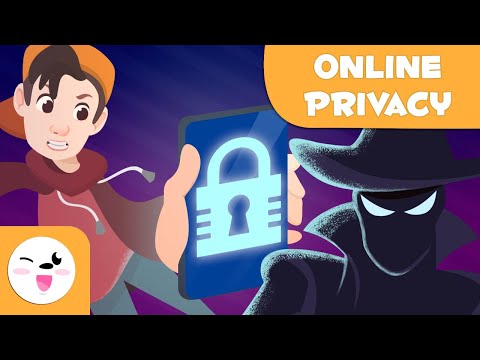
Teaches internet safety basics — keeping personal information private and knowing what's safe to share online.
Viewer safety
All ages
Gentle animated educational content, safe to show cold; still worth a quick preview to match it to your lesson.
Our rating is a quick teacher-to-teacher guide — preview before showing.
Teaching resources
Discussion questions
Talk about it
Some information — your full name, address, passwords — should stay private online. Protecting it keeps you and your family safe.
- What kinds of information should you never share online?
- Why is a password meant to be secret?
- Who should you tell if something online makes you uncomfortable?
Quick work-a-long
Vocabulary: privacy, personal information, password, safe.
Try it: List three things that should stay private online. Name one trusted adult you'd tell about a problem.