
Summary
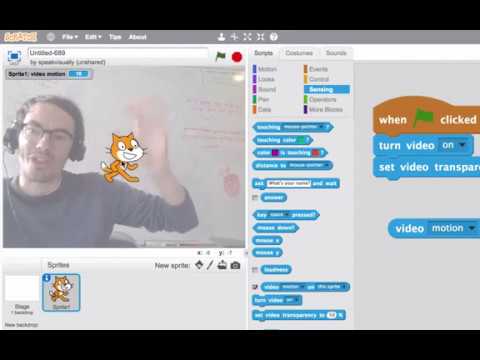
A tutorial on the video-sensing extension, which uses a webcam so a sprite can react to motion in front of the camera -- waving a hand can pop a balloon or move a sprite, no keyboard needed.
Viewer safety
All ages
Common Sense Media — not yet ratedIMDb Parents Guide — not yet rated
Our rating is a quick teacher-to-teacher guide — preview before showing.
Teaching resources
Discussion questions
Discussion
This video shows how a project can react to a person's motion in front of a webcam.
- What does the video-sensing extension let a sprite detect?
- What real-world action triggers something to happen in the example project?
- What kind of project could you build using motion instead of clicks or keys?
Quick work-a-long
Words to know: video sensing, extension, motion.
Try it: Add the video-sensing extension to a project and make a sprite pop when it detects motion above a certain amount.